Recent Stories
The Importance of Multi-Factor Authentication (MFA) in Cybersecurity

MULTI-FACTOR AUTHENTICATION (MFA)
Why Multi-Factor Authentication Is Important for Cybersecurity
MFA is a method of enhancing login security by requiring users to verify their identity using at least two authentication factors instead of relying solely on a username and password. It may also be referred to as Two-Factor Authentication (2FA) or Two-Step Verification.
WHY IS A PASSWORD ALONE NOT ENOUGH?
Even if you use a long and complex password, it can still be:
- Guessed or reused across multiple websites
- รExposed through a service provider’s data breach
- Stolen through phishing attacks
- Captured by malware
MFA acts as an “additional layer of security.” Even if an attacker obtains your password, they still need to pass another authentication step before gaining access to your account. This significantly reduces the risk of account takeover.
HOW DOES MFA WORK?
Users first log in with their username and password, then verify their identity using one or more additional authentication methods.
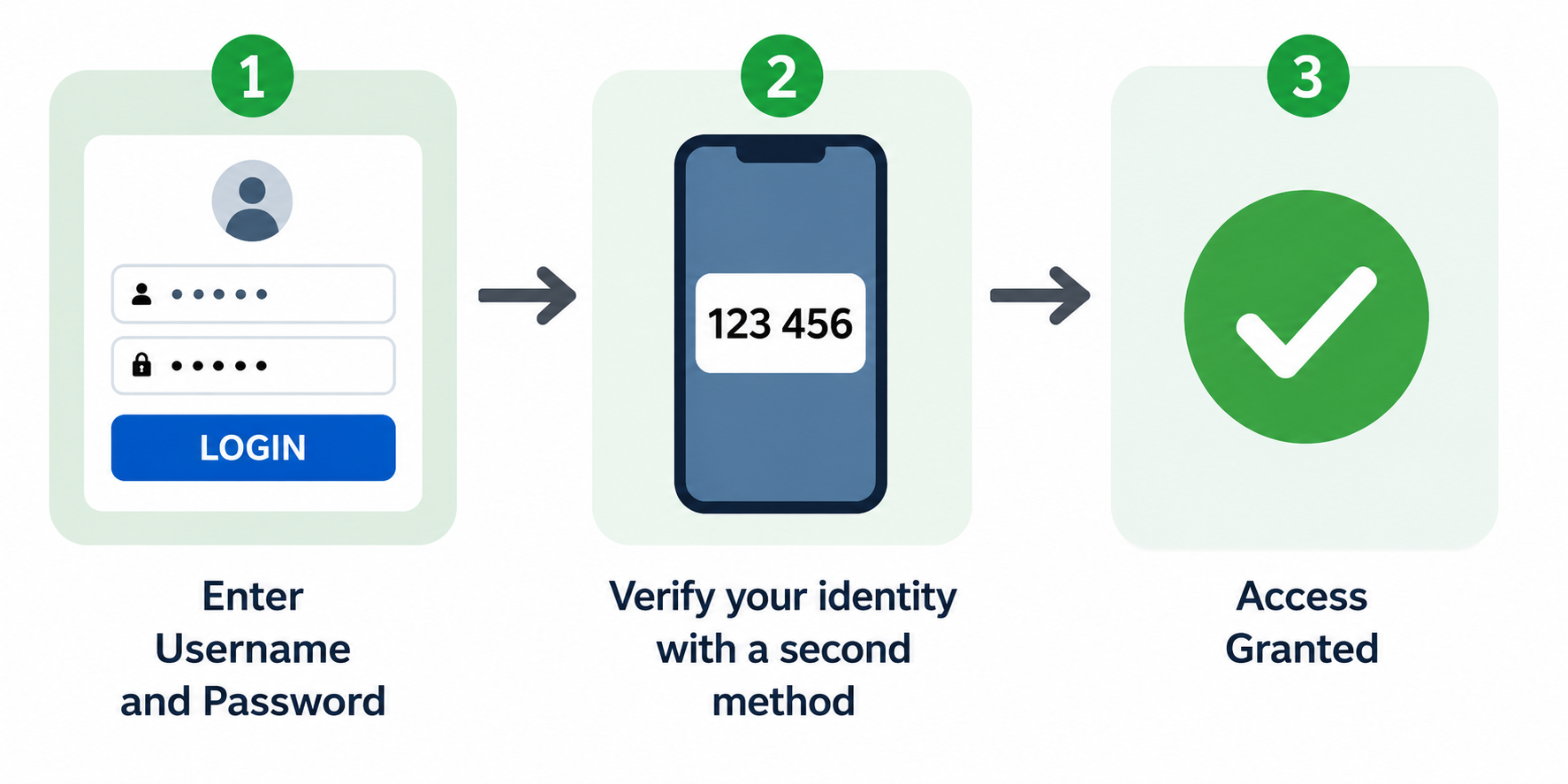
Examples of additional authentication methods include OTP via SMS or email, an authenticator app, fingerprint or Face ID, a hardware security key, or approval from a trusted device.
THREE MAIN AUTHENTICATION FACTORS
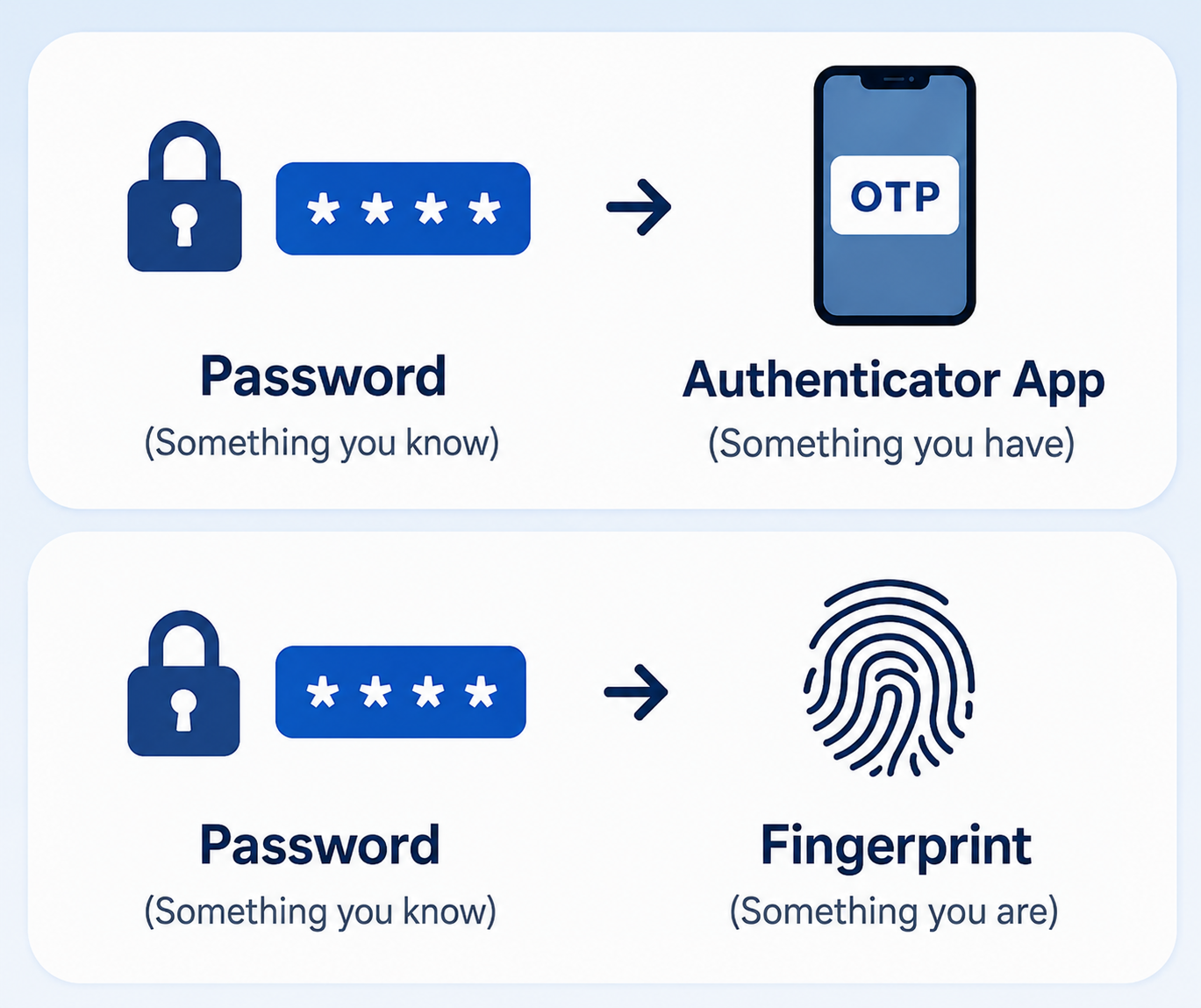
A strong MFA setup should combine authentication factors from different categories.
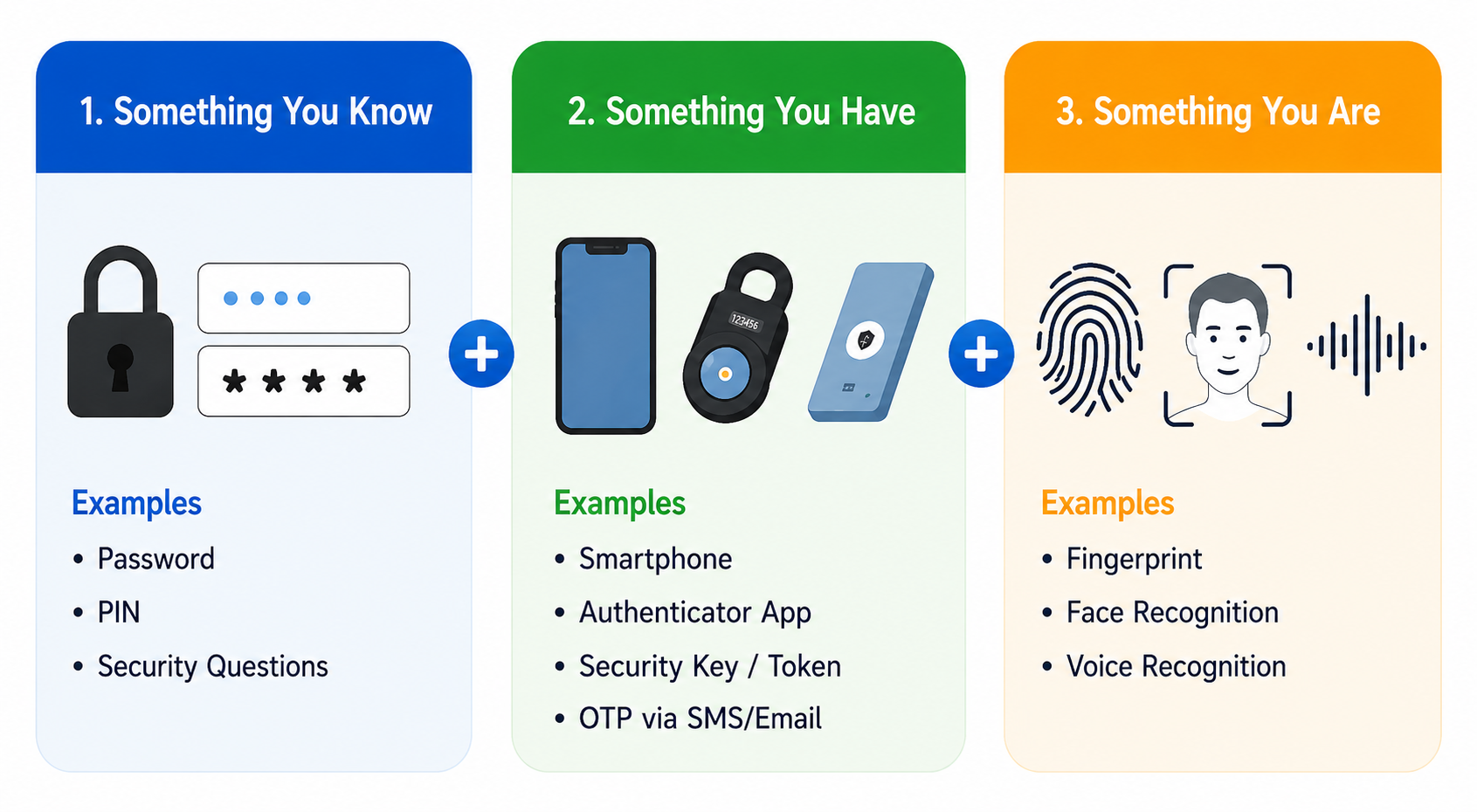
1. Something You Know
Examples include passwords, PINs, and security questions.
2. Something You Have
Examples include a smartphone, authenticator app, security key/token, and OTP via SMS or email.
3. Something You Are
Examples include fingerprints, facial recognition, and voice recognition.
Recommended Use Cases
Which MFA Method Is the Most Secure?
Approximate ranking from most secure → less secure:
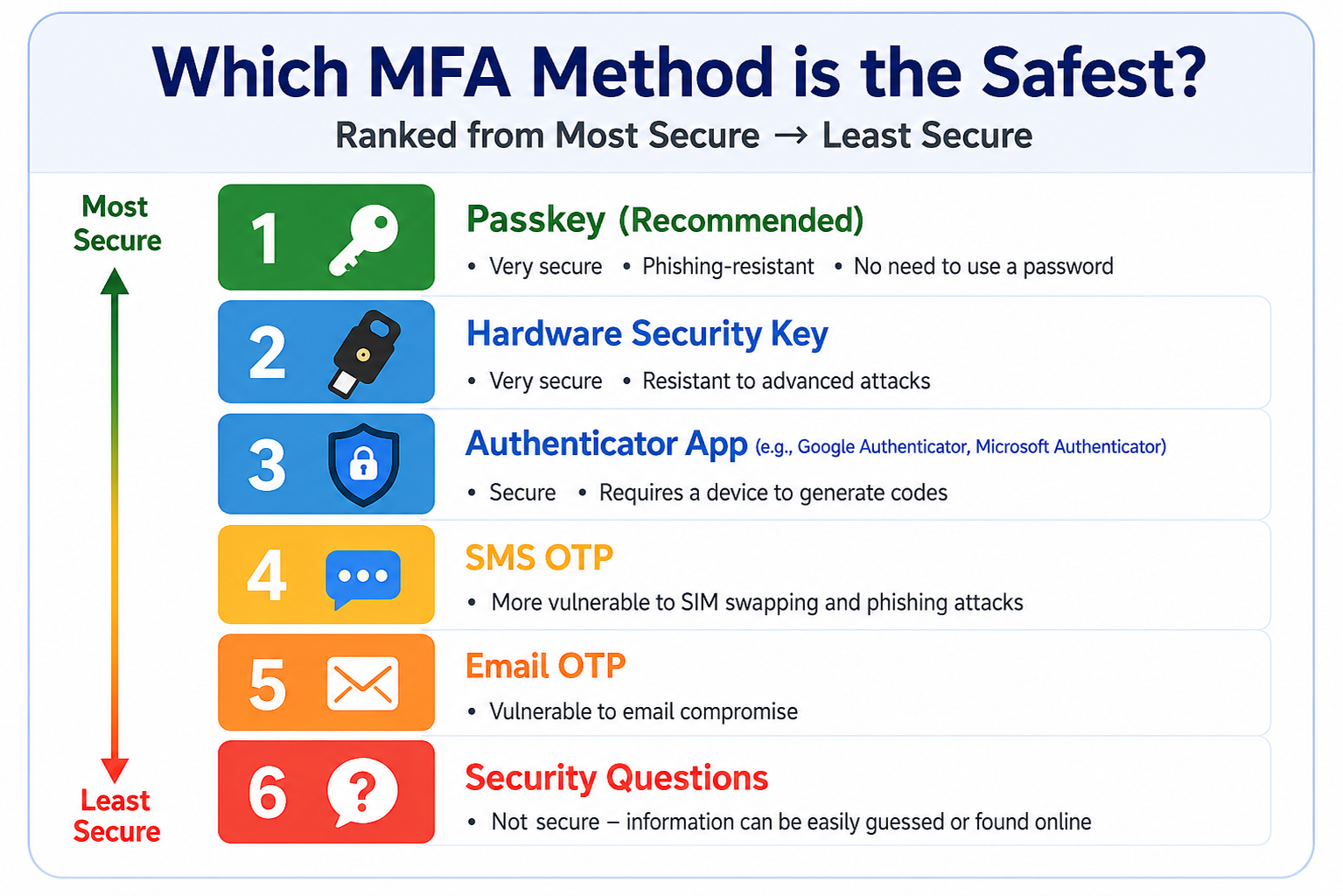
1. Passkey (Highly Recommended)
Uses a cryptographic key stored on the device, combined with biometrics or device-based verification. Highly secure, phishing-resistant, and eliminates the need for traditional passwords.
2. Hardware Security Key
A physical device, such as a YubiKey, that users plug in or tap to verify their identity. Highly secure and resistant to phishing attacks.
3. Authenticator App
Examples include Google Authenticator and Microsoft Authenticator. Generates an OTP directly on the user's mobile device. It provides strong security without relying on a mobile network.
4. SMS OTP
Users receive a one-time password via SMS. More secure than having no MFA, but vulnerable to SIM swapping and phishing attacks.
5. Email OTP
Users receive a one-time password via email. This method can be vulnerable if the user's email account is compromised.
6. Security Questions
Users verify their identity by answering predefined security questions. Less secure than other methods because answers may be guessed or discovered through social media or publicly available information.
Can MFA Still Be Attacked?
MFA is highly effective at improving security, but it cannot prevent attacks 100%. Attackers may use methods such as:
1. Phishing
Attackers trick users into entering both their password and OTP on a fake website to steal their login credentials.
2. MFA Fatigue / Push Bombing
Attackers repeatedly send login approval requests until the user becomes annoyed, confused, or accidentally taps Approve. If you receive an MFA prompt when you are not trying to log in, do not approve it.
Where Should You Enable MFA?
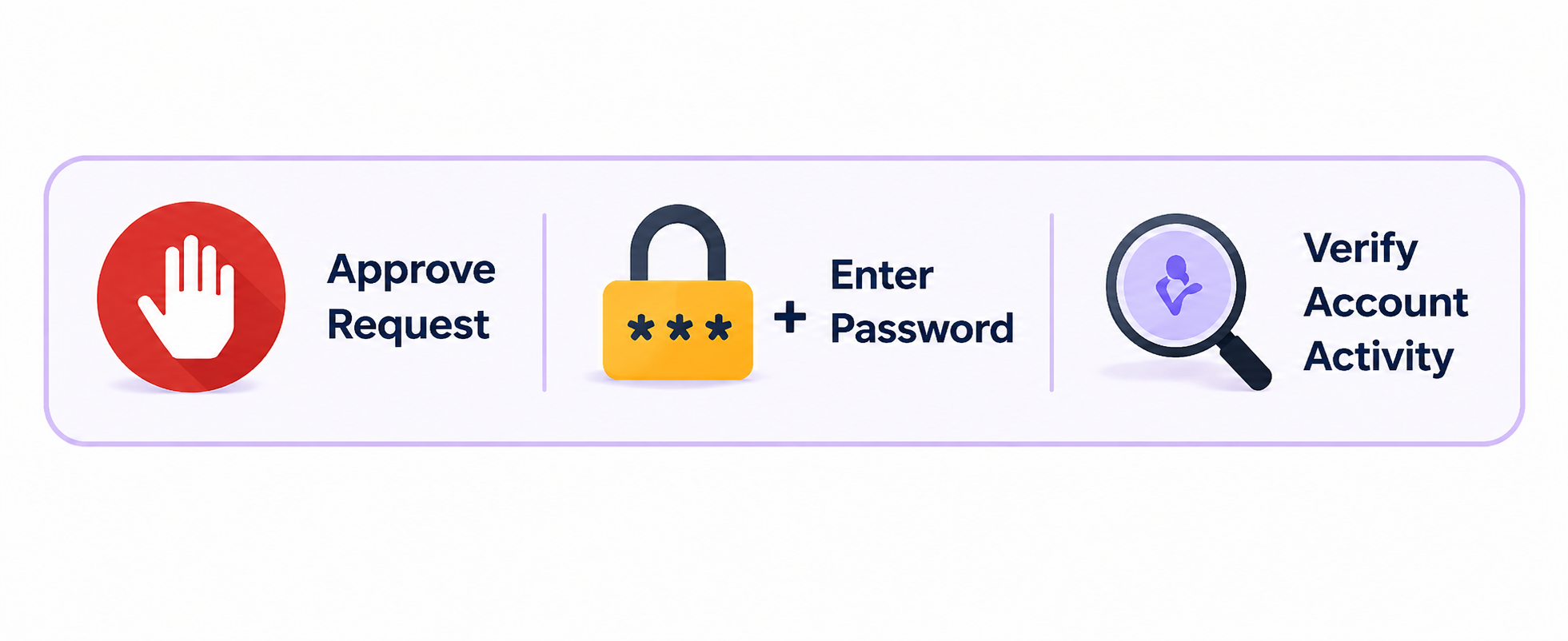
MFA should be enabled on every system that supports it, especially for important accounts such as:
1. Email
2. Banking / Financial Services
3. Investment Accounts
4. Cloud Storage
5. Social Media
6. Online Shopping
7. Work / School Accounts
8. Other accounts that contain sensitive or important information
Key Takeaways
A password is the first line of defense, but it should not be the only one. Using MFA—especially Passkeys, Hardware Security Keys, or Authenticator Apps—is one of the simplest and most effective ways to reduce the risk of online account theft.
Add an extra layer of protection for greater security in your digital life.